Meet the toolkit

Lecture 3

2024-05-20

About the syllabus

The basics

  • Class meets Monday through Thursday
  • In-class exercises most days
  • A course project completed in pieces throughout the term. We’ll workshop these pieces in class before they’re due.

Grading

Category Percentage
In-class exercises 35%
Project component 1: proposal 10%
Project component 2: descriptive statistics 10%
Project component 3: results 10%
Project component 4: presentation 10%
Project component 5: final paper 25%

Late work and regrades

  • Project components and in-class exercises may be submitted up to 3 days late
  • If you submit at least 80% of the daily exercises on time, you will receive full credit for the “in-class exercises” portion of your grade!
  • I’ll only change a grade if I’ve made a clear error

Academic honesty

You must be the principal author of your own work!

Basically:

  • You can collaborate with other students, but don’t copy their code directly
  • You can use online resources (like StackOverflow, but if you use code from these sources, make that clear)
  • Don’t let AI write your code

Toolkit: Computing

Learning goals

By the end of the course, you will be able to…

  • gain insight from data
  • gain insight from data, reproducibly
  • gain insight from data, reproducibly, using modern programming tools and techniques
  • gain insight from data, reproducibly and collaboratively, using modern programming tools and techniques
  • gain insight from data, reproducibly (with literate programming and version control) and collaboratively, using modern programming tools and techniques

Reproducible data analysis

Reproducibility checklist

What does it mean for a data analysis to be “reproducible”?

Near-term goals:

  • Are the tables and figures reproducible from the code and data?
  • Does the code actually do what you think it does?
  • In addition to what was done, is it clear why it was done?

Long-term goals:

  • Can other people check your work?
  • Can the code be used for other data?
  • Can you extend the code to do other things?

Toolkit for reproducibility

  • Scriptability \(\rightarrow\) R / RStudio
  • Literate programming (code, narrative, output in one place) \(\rightarrow\) Quarto
  • Version control \(\rightarrow\) Git / GitHub

R and RStudio

R and RStudio

R logo

  • R is an open-source statistical programming language
  • R is also an environment for statistical computing and graphics
  • It’s easily extensible with packages

RStudio logo

  • RStudio is a convenient interface for R called an IDE (integrated development environment), e.g. “I write R code in the RStudio IDE”
  • RStudio is not a requirement for programming with R, but it’s very commonly used by R programmers and data scientists

R vs. RStudio
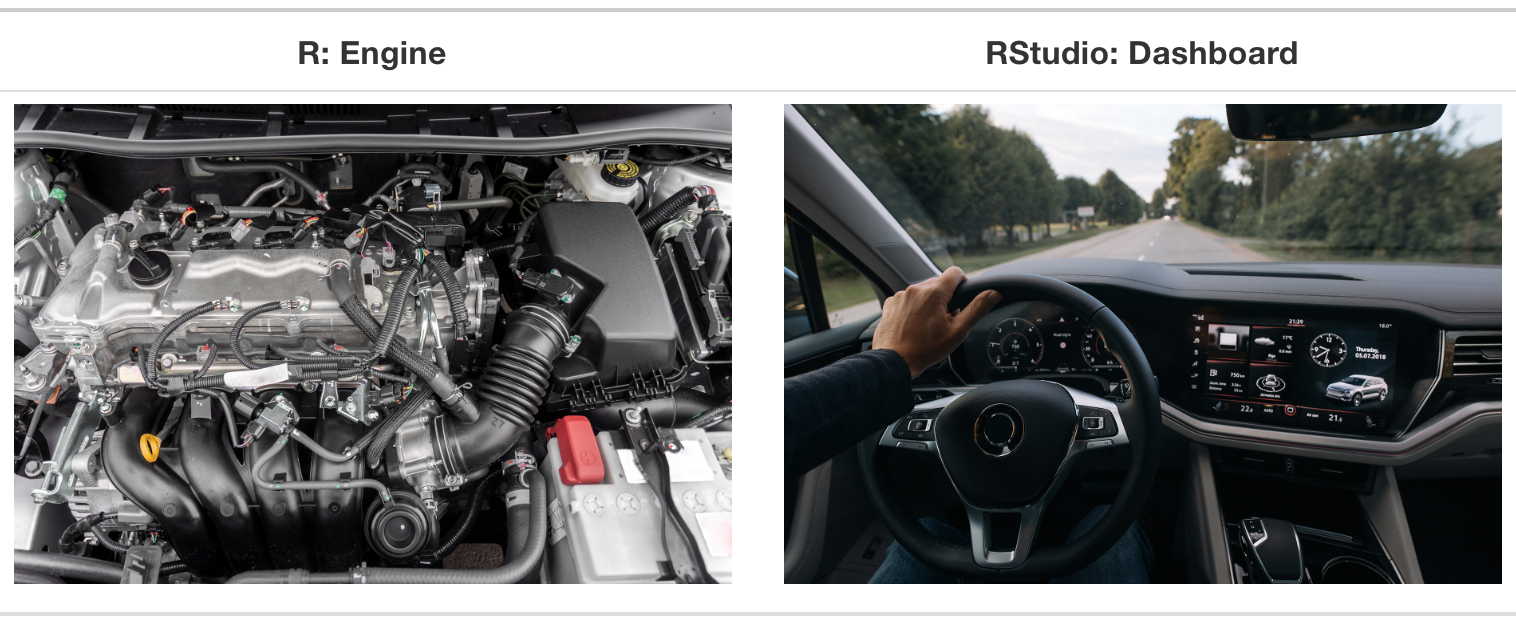
On the left: a car engine. On the right: a car dashboard. The engine is labelled R. The dashboard is labelled RStudio.

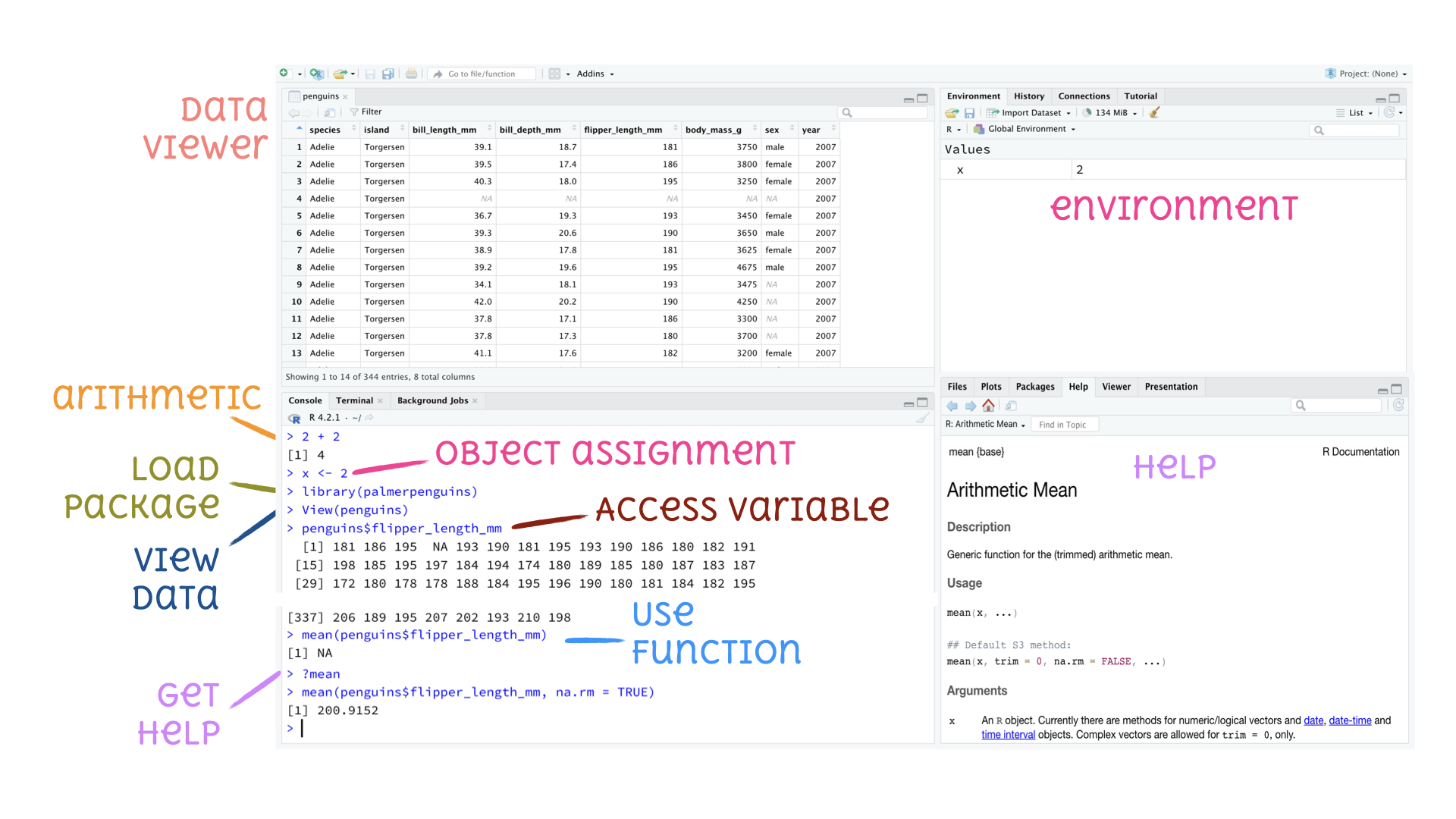
A short list (for now) of R essentials

  • Functions are (most often) verbs, followed by what they will be applied to in parentheses:
do_this(to_this)
do_that(to_this, to_that, with_these)
  • Packages are installed with the install.packages() function and loaded with the library function, once per session:
install.packages("package_name")
library(package_name)

R essentials (continued)

  • Columns (variables) in data frames are accessed with $:
dataframe$var_name
  • Object documentation can be accessed with ?
?mean

Tour: R and RStudio

Quarto

Quarto

  • A text editor, like Microsoft Word or Google Docs–but it does code too!
  • Fully reproducible reports – each time you render the analysis is run from the beginning

Tour: Quarto

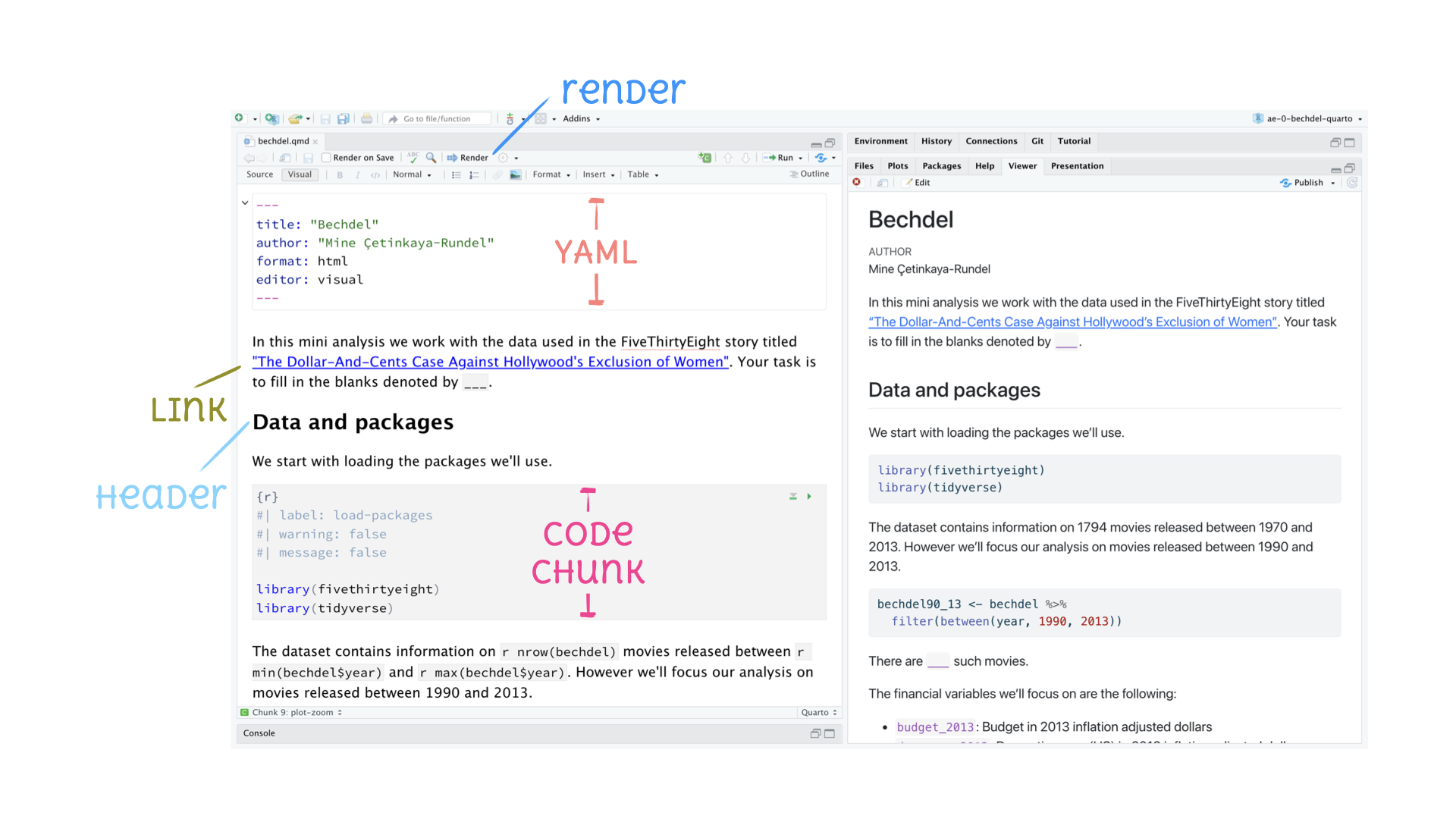
RStudio IDE with a Quarto document, source code on the left and output on the right. Annotated to show the YAML, a link, a header, and a code chunk.

How will we use Quarto?

  • Every assignment / report / project / etc. is a Quarto document
  • You’ll always have a template Quarto document to start with
  • The amount of scaffolding in the template will decrease over the semester

Toolkit: Version control, organization, collaboration

Git and GitHub

Git logo

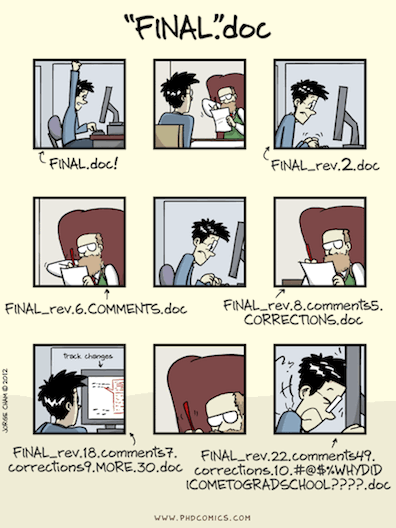
  • Git is a version control system – like “Track Changes” features from Microsoft Word, on steroids
  • It’s not the only version control system, but it’s a very popular one

GitHub logo

  • GitHub is the home for your Git-based projects on the internet – like DropBox but much, much better

  • We will use GitHub as a platform for web hosting and collaboration (and as our course management system!)
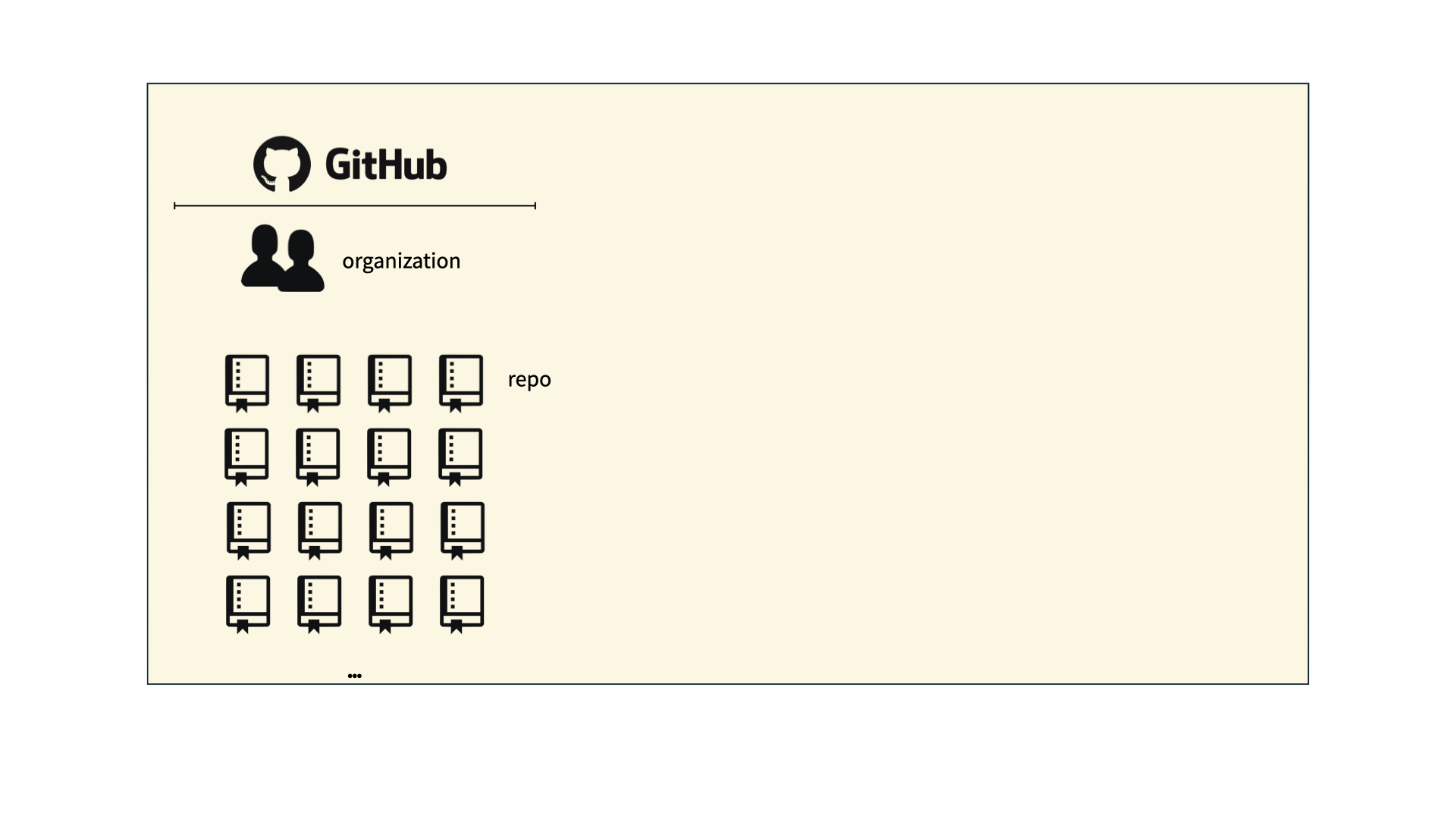
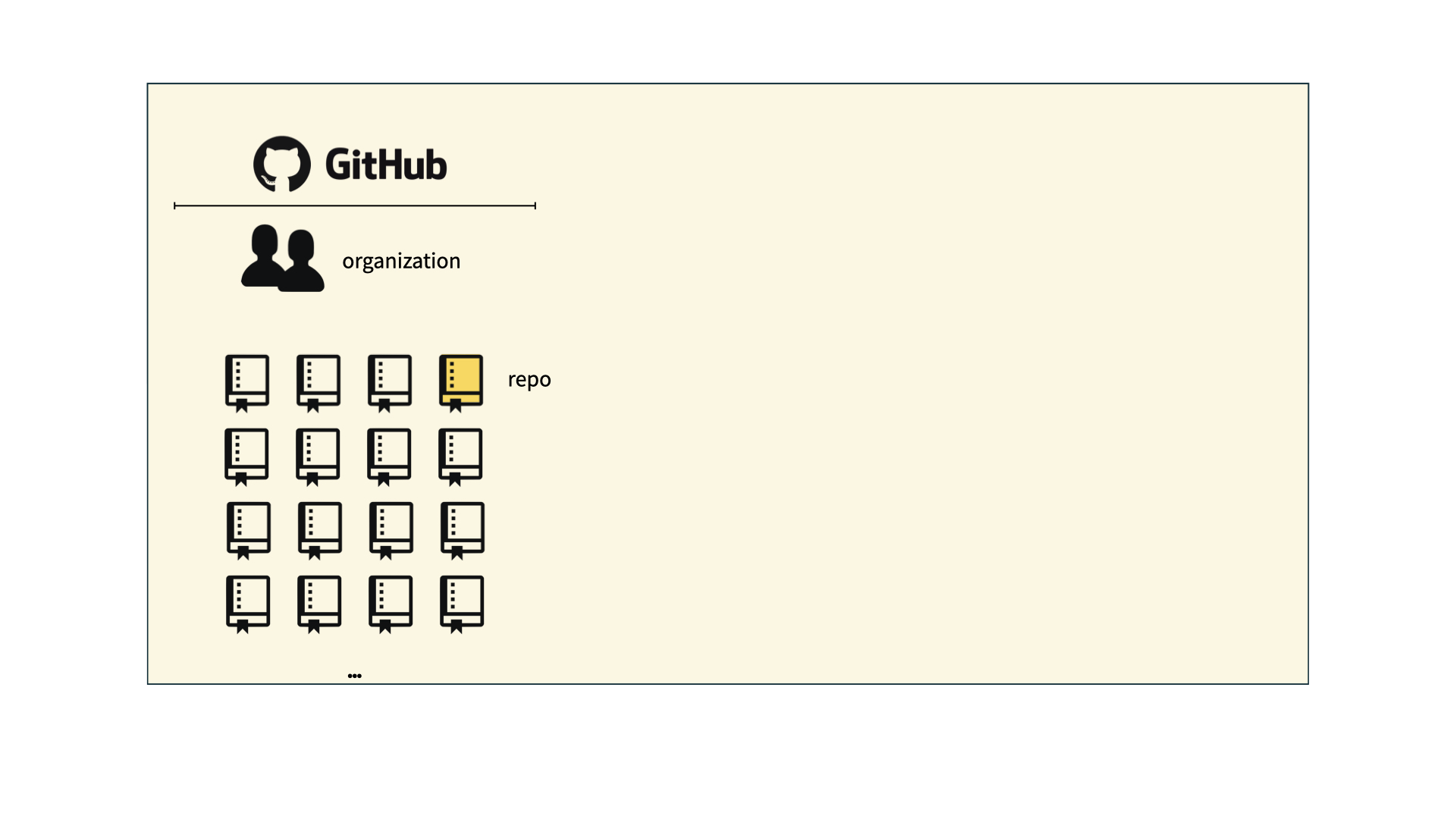
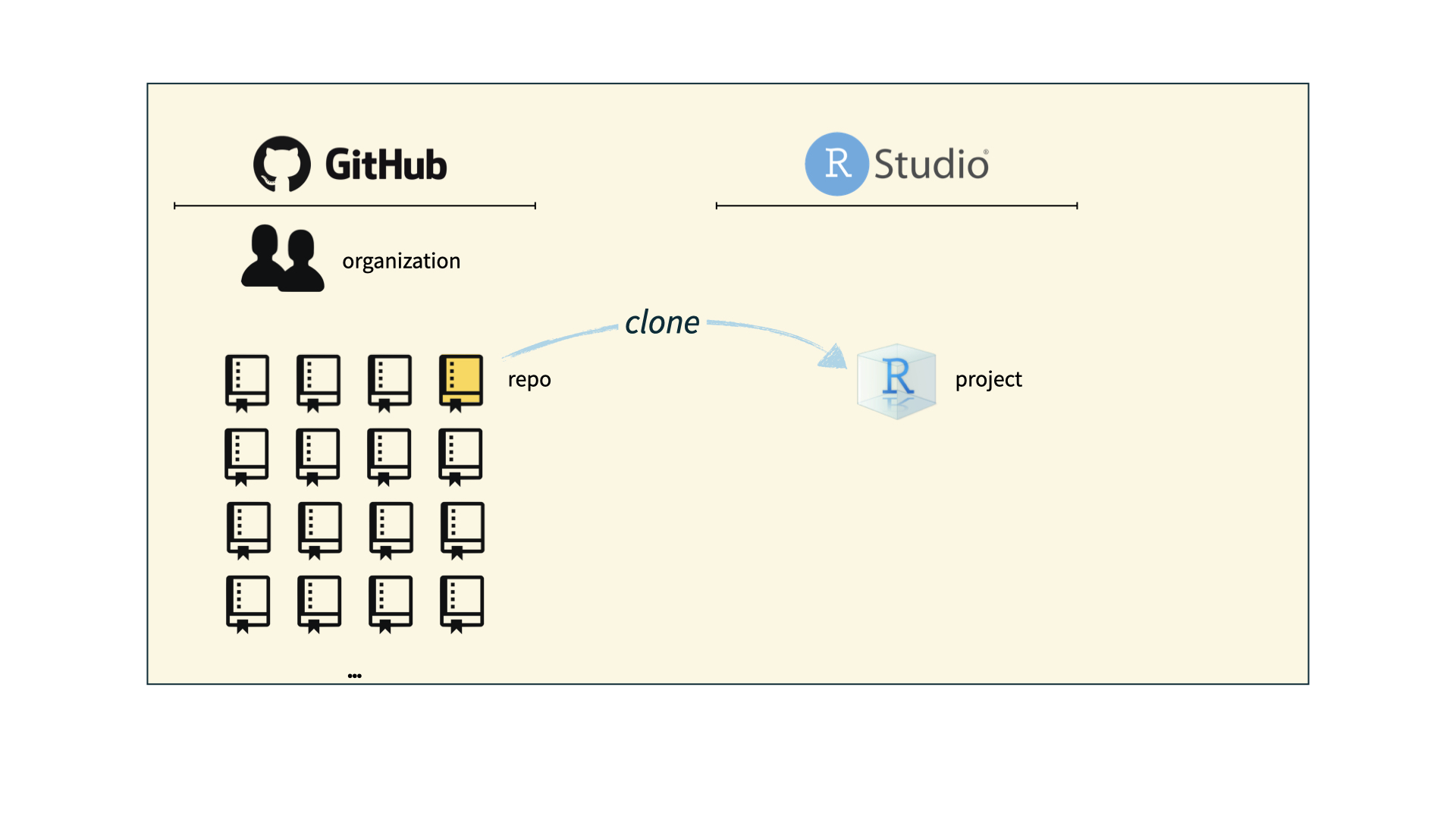
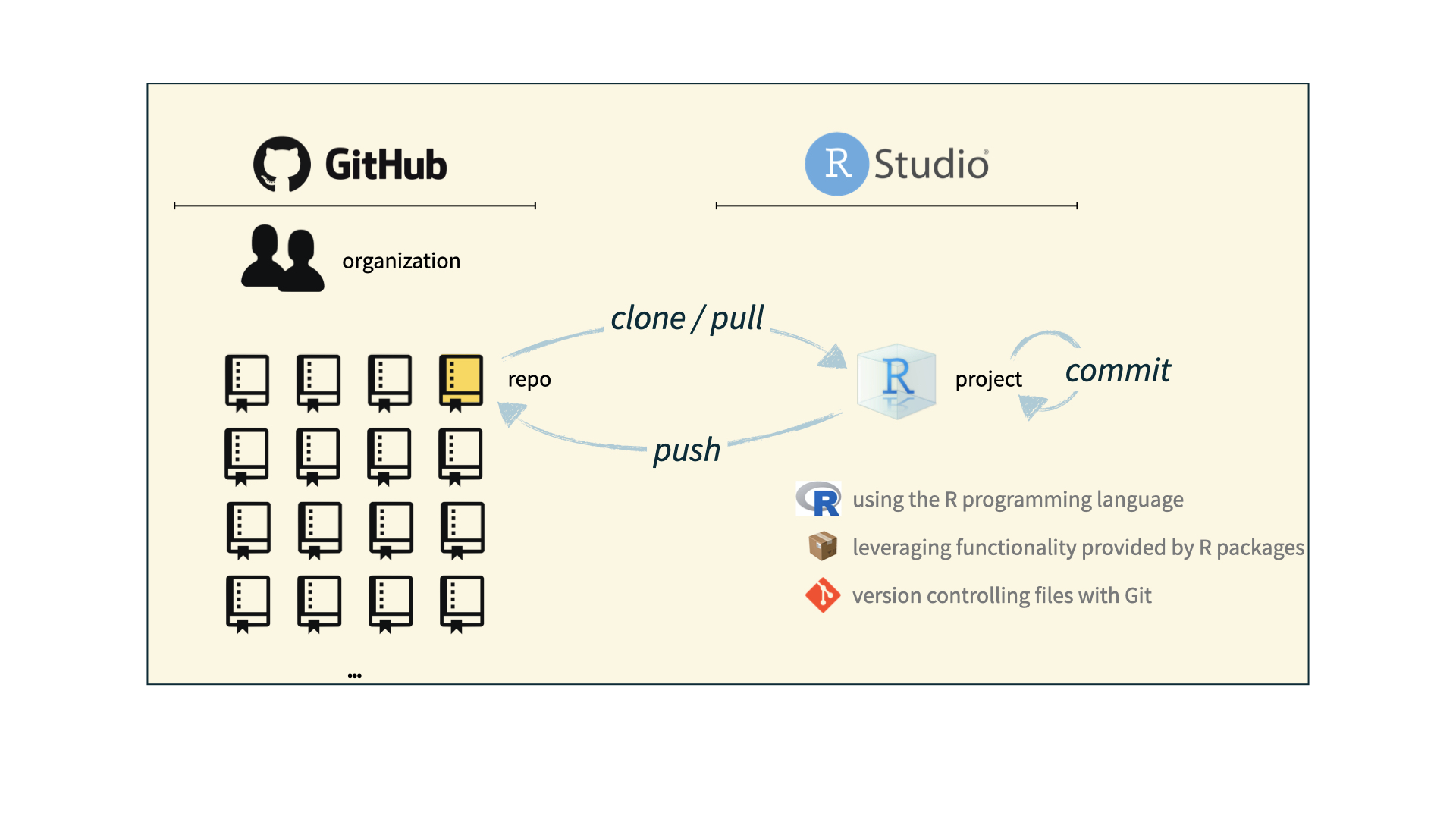
How it all fits together

Install time!

  • Setting up is the hardest part…
  • Then go to our course webpage , click on “Computing” in the side bar, and then click on “Setup”.
  • Today’s exercise: Work through these installation steps with a partner on the same operating system